
Credentialing Software: What It Is and How to Choose the Right Platform
What Is Credentialing Software?
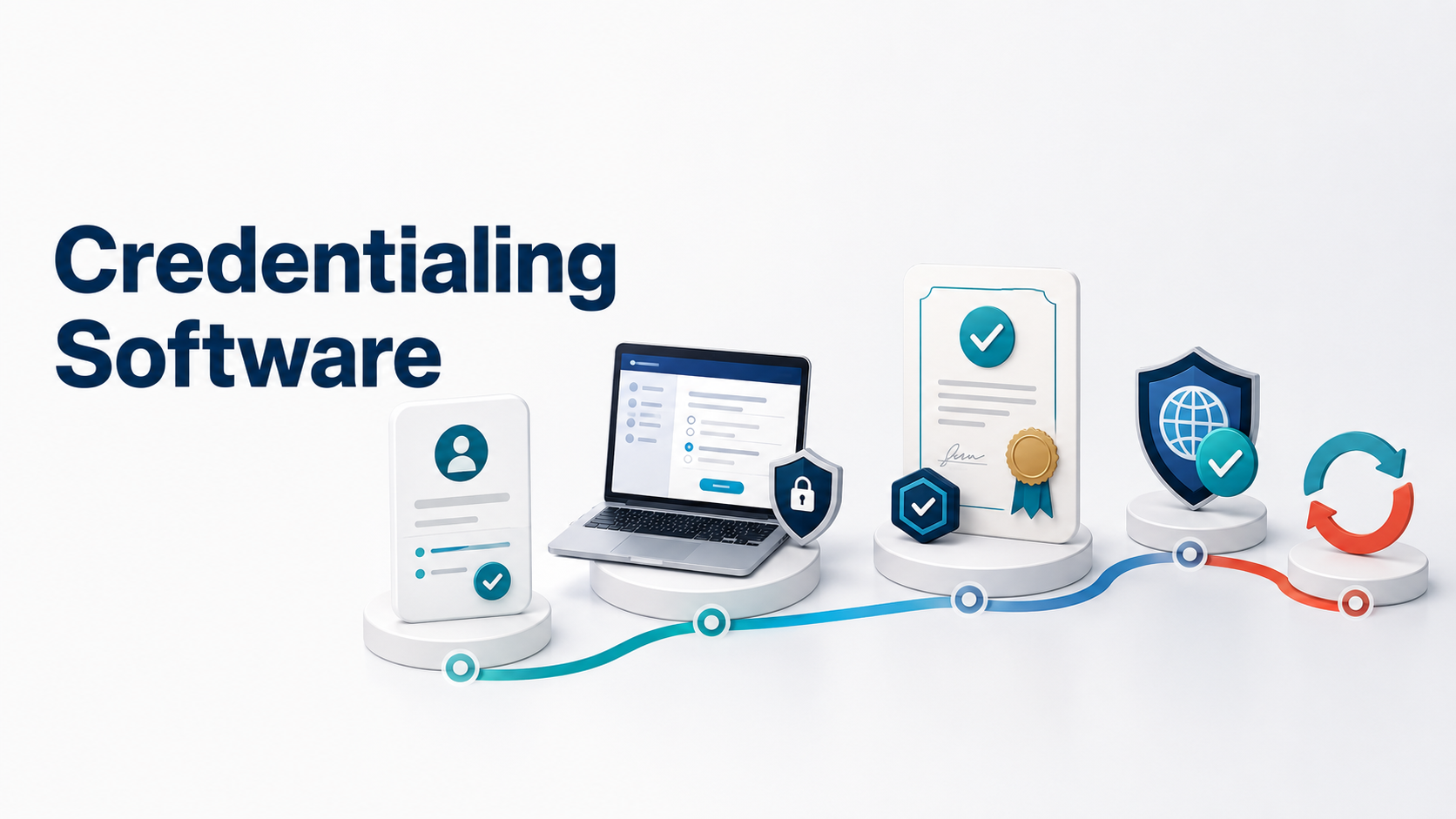
Credentialing software helps you manage the full lifecycle of a professional credential, from candidate registration and eligibility through assessment, issuance, verification, expiration, and renewal. It replaces disconnected spreadsheets, testing tools, certificate generators, and manual reminders with one controlled system of record.
That distinction matters when you run a certification program at scale. Issuing a certificate is only one event. Your real responsibility is maintaining trustworthy records, enforcing consistent requirements, protecting the assessment process, and proving who holds a valid credential at any moment.
For a program serving hundreds or thousands of candidates, small gaps become operational risks. A missed prerequisite can admit an ineligible candidate. A failed integration can separate an exam result from the correct record. A late renewal notice can create avoidable support requests. The right system keeps those events connected.
Credentialing software should manage the rules and records that make a credential defensible, not simply produce a digital certificate after someone passes a test.
What Credentialing Software Should Manage
A professional credential has a lifecycle. Every stage creates data, decisions, communications, and exceptions. Strong credentialing software connects those stages so your staff does not have to reconcile records manually.
Candidate registration and eligibility
The process starts before the exam. Candidates may need to submit an application, pay a fee, complete training, provide documentation, or receive approval. Your software should record those requirements and prevent candidates from moving forward until they qualify.
This matters because eligibility decisions often need an audit trail. If a candidate challenges a decision, your team should be able to see what was submitted, who reviewed it, and which rule applied.
Secure assessment delivery
For exam-based credentials, the assessment cannot sit outside the lifecycle. The system should connect candidate identity, exam eligibility, delivery settings, proctoring status, attempts, scores, and outcomes to the same candidate record.
That connection reduces a familiar source of risk. Staff should not have to export a score file, match candidates across two systems, investigate duplicate email addresses, and then decide which result controls credential issuance.
Credential issuance and verification
Passing an exam may trigger a certificate, badge, or other credential. The issued credential should include reliable status information and a way for employers, regulators, or members of the public to verify it.
Verification must reflect the current record. A credential that expired, was suspended, or was replaced should not appear valid because a static PDF still exists on someone’s computer.
Expiration, renewal, and recertification
Renewal is where many programs expose the limits of their software. Staff track dates in spreadsheets, send reminders in batches, review continuing education in another tool, and manually update credential status.
A credential management platform should calculate expiration dates, initiate communications, accept renewal registrations or applications, apply the correct requirements, and preserve the history of each credential period.
Reporting and audit readiness
Your reporting should answer operational questions without a reconciliation project. How many candidates are eligible but untested? Which credentials expire in the next 90 days? Who passed after a retake? Which records require staff action?
Leaders also need program-level data. A consistent system can reveal candidate volume, pass rates, renewal rates, support demand, revenue, and performance patterns while preserving the underlying record behind each number.
Credentialing Software Versus an LMS or Standalone Testing Tool
An LMS can deliver courses and track completion. A standalone testing platform can administer assessments. A badge or certificate tool can publish evidence of an achievement. Each may perform its primary job well, but none automatically manages the entire certification lifecycle.
The operational question is not whether a tool can perform one step. It is whether your complete process remains accurate when candidates move between steps, systems, and credential periods.
| Program requirement | Basic LMS or testing tool | Credentialing software |
|---|---|---|
| Candidate eligibility and prerequisites | Often limited or manual | Connected to candidate workflow |
| Secure exam delivery and proctoring | Varies by tool | Linked to attempts and outcomes |
| Credential issuance and public verification | May require another system | Based on authoritative status |
| Expiration and renewal workflows | Commonly spreadsheet-driven | Rules, notices, and history stay connected |
| Audit-ready program record | Requires data reconciliation | Central record across the lifecycle |
A multi-system approach is not automatically wrong. Some programs have the staff, integrations, governance, and budget to maintain it. The risk appears when manual work becomes the integration layer and only one employee knows how the pieces fit together.
LMS Systems can’t manage your Certification Program on their own.
How to Evaluate Credentialing Software
A feature checklist can tell you whether a function exists. It cannot tell you whether the system supports your actual operating model. Evaluate the software against real candidate journeys, including exceptions, retakes, expirations, and staff interventions.
Document every stage from initial registration through renewal. Include payments, approvals, communications, integrations, and the people responsible for each decision.
Look for exports, spreadsheet updates, copied scores, uploaded certificates, and reminder lists. Each handoff adds delay and creates another place where records can diverge.
Use scenarios such as conditional eligibility, different retake fees, cooling-off periods, accommodations, proctoring holds, and multiple renewal paths. Basic demos rarely expose these requirements.
Ask what staff can see after an event occurs. Confirm that the system records approvals, attempts, status changes, communications, payments, and credential history in a usable form.
Determine which historical records must move, how you will validate them, who configures workflows, and who supports candidates. A good platform still needs a realistic implementation plan.
Ask vendors to demonstrate exceptions
A polished pass-and-issue demonstration proves very little. Ask what happens when a candidate fails, disputes a proctoring event, qualifies for a special retake, changes an email address, lets a credential lapse, or holds two credentials with different renewal dates.
These scenarios show whether the platform truly manages credentialing operations or simply automates the easiest path.
Real-world example: A trade association
A member passes a proctored exam, receives a three-year credential, and later renews through continuing education. The system should preserve the original exam result, show both credential periods, apply the correct renewal rule, and let an employer verify the current status without staff intervention.
For additional governance guidance, consult Institute for Credentialing Excellence resources on credentialing program quality and NIST digital identity guidance for identity proofing and authentication.
Signs Your Current Credentialing Process Has Outgrown Its Tools
You do not need to replace a system because it lacks a fashionable feature. You should investigate a change when the current setup makes accuracy, security, service, or growth increasingly difficult.
- Staff reconcile candidate and exam records by hand.
- Expiration dates and renewal status live in spreadsheets.
- Candidates contact support to confirm whether they are eligible, certified, or renewed.
- A static certificate can appear valid after the underlying credential expires.
- Exam, payment, credential, and communication data use different identifiers.
- Routine reporting depends on one employee’s institutional knowledge.
- Adding a new credential requires another tool or a new manual process.
The clearest warning sign is that your team changes program policy to accommodate software limitations. Technology should enforce your credentialing rules. It should not quietly rewrite them.
Frequently Asked Questions
What is credentialing software used for?
Credentialing software manages the processes and records behind a professional credential. It can support eligibility, assessments, issuance, verification, expiration, renewal, payments, communications, and reporting in one connected workflow.
Is credentialing software the same as certification software?
The terms often overlap. Certification software usually focuses on programs that award a credential after candidates meet defined requirements, while credentialing software can also describe systems that manage broader qualification, verification, and renewal processes.
Can an LMS manage professional credentials?
An LMS may support course completion, quizzes, and basic certificates. Programs with eligibility rules, high-stakes exams, proctoring, public verification, expirations, renewals, and detailed audit requirements often need dedicated credentialing capabilities.
How much does credentialing software cost?
Pricing may depend on candidate volume, exam volume, administrators, credentials issued, integrations, proctoring, and service level. Compare the total operating cost, including staff time and separate systems, instead of comparing subscription fees alone.
What should I look for in credentialing software?
Start with lifecycle fit, configurable rules, secure assessment support, reliable credential status, renewal automation, reporting, integrations, and migration support. Then test the platform against exceptions that your staff handles today, not only the ideal candidate journey.
Build a Credentialing Process You Can Defend
The best credentialing software gives your team control over the full program, not just the moment a certificate appears. When your current setup starts to depend on spreadsheets, manual reconciliation, and disconnected records, Gauge offers a practical next step for bringing the certification lifecycle together. You can evaluate it against your real rules, exceptions, and reporting needs before deciding whether it fits.