
Remote Proctoring Software: How to Choose the Right Solution for Certification Exams
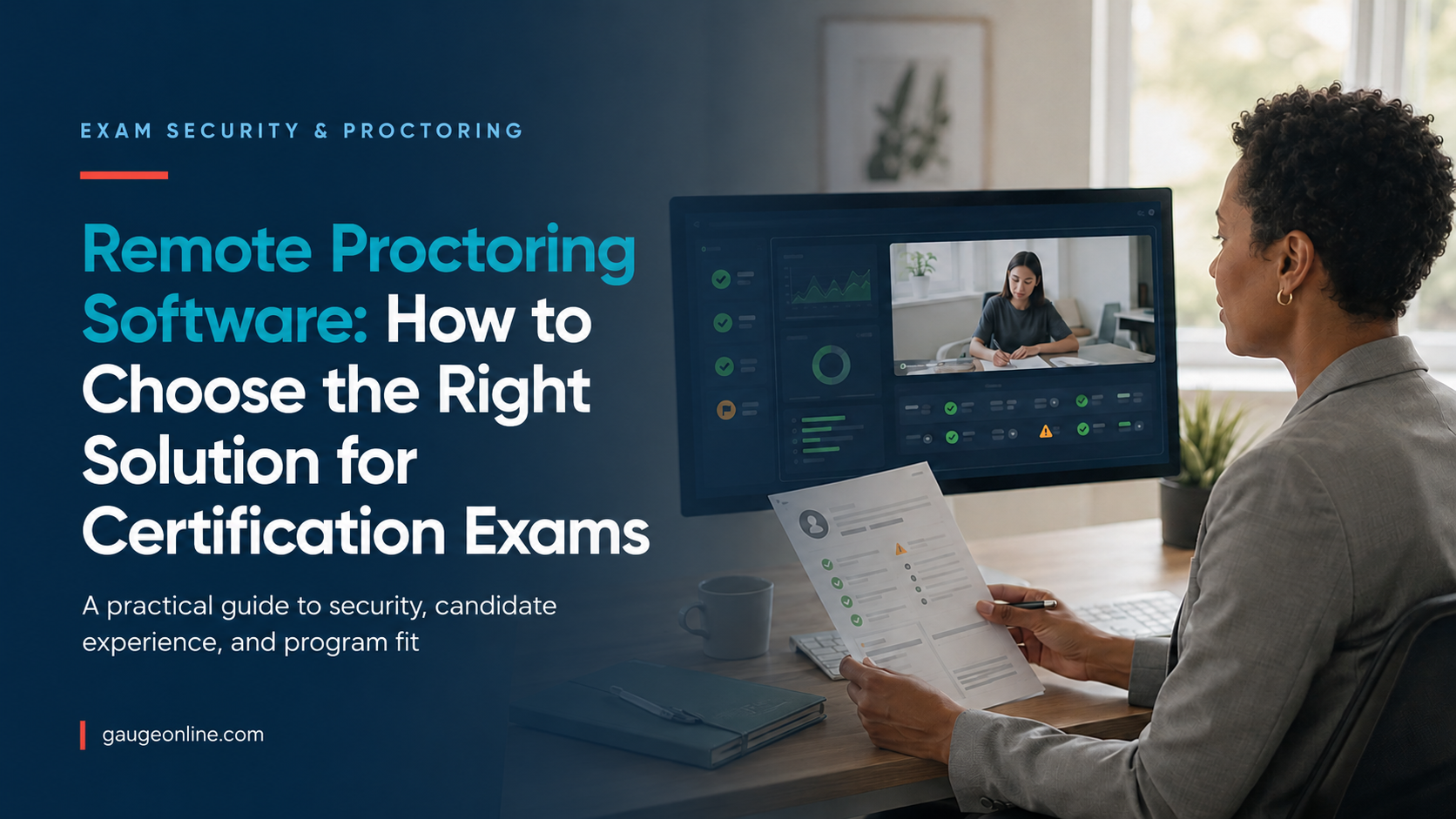
What Remote Proctoring Software Does for Certification Programs
Remote proctoring software helps you verify candidate identity, supervise online exams, and protect the integrity of exam results. It can also document suspicious behavior. For certification programs, the right system combines appropriate security controls with a clear candidate experience and a defensible review process. That balance matters when one exam result can determine whether someone earns a professional credential, qualifies for regulated work, or advances in a safety-sensitive role. At scale, inconsistent proctoring can quickly become an operational, reputational, and audit risk.
Proctoring is not simply a webcam pointed at a candidate. It is a coordinated workflow that begins before the exam and continues after submission. Your process may include identity checks, environment scans, browser controls, live observation, automated event detection, recording, human review, incident escalation, and result release.
This distinction can prevent two costly mistakes. Weak controls may leave high-stakes exams exposed. Excessive controls may create false flags, candidate anxiety, accessibility barriers, and a support burden your small team cannot absorb.
The Main Types of Remote Proctoring Software
Remote proctoring generally falls into three models: automated monitoring, record-and-review, and live proctoring. Some programs use one model for every exam. Others use a tiered approach based on exam value, candidate volume, regulatory exposure, or the consequences of an invalid result.
Automated monitoring
Automated monitoring uses software to detect and flag events such as additional faces, unexpected audio, prohibited applications, or unusual browser activity. It may also flag a candidate leaving the camera view. This model can support large exam volumes because it does not require one proctor to watch every session in real time.
Automation can identify moments that deserve attention, but a flag is not the same as proof of misconduct. Your policy should define who reviews flagged events, what evidence matters, and how candidates can challenge a decision.
Record-and-review proctoring
Record-and-review software captures the exam session and makes it available for later evaluation. Automated signals may direct reviewers to specific timestamps. This model can give your team more scheduling flexibility while preserving a human decision point.
It also changes the operational question. You no longer need enough people to observe every exam live. You still need clear review standards, service timelines, reviewer training, and secure retention practices.
Live remote proctoring
A live proctor verifies the candidate, monitors the session, communicates when needed, and responds to incidents as they happen. This model often fits licensure, compliance, or advanced professional exams where immediate intervention matters.
Live coverage usually costs more and requires stronger scheduling coordination. It can also improve the candidate experience when a trained proctor resolves a technical or procedural issue before it disrupts the entire exam.
| Model | Best suited for | Primary advantage | Main consideration |
|---|---|---|---|
| Automated | High-volume, moderate-risk exams | Scales efficiently | False flags require review |
| Record and review | Programs needing flexible scheduling and human review | Combines evidence with reviewer judgment | Results may need to remain pending |
| Live | High-stakes or tightly controlled exams | Supports real-time intervention | Higher cost and scheduling complexity |
Your decision does not have to be permanent or universal. A trade association might automate monitoring for an entry-level certificate while using live proctoring for its highest professional designation. A government training division might apply stricter controls only to exams tied to legal authority or public safety.
How to Evaluate Remote Proctoring Software
Start with your exam risk, not a vendor feature list. The controls should match what you must protect, how candidates take the exam, and what your staff can manage after exam day.
Document what happens if an unqualified candidate passes. Consider public safety, regulatory exposure, credential reputation, financial harm, and the cost of retesting.
Review registration, identity verification, equipment checks, scheduling, exam launch, technical support, incident handling, and result delivery. A secure tool can still fail your program if these steps do not connect cleanly.
Ask what the software detects, what evidence it records, and who makes the final decision. Define whether a flagged session pauses a score, triggers staff review, or starts a formal appeal process.
Include candidates who use assistive technology, require accommodations, or have limited bandwidth. The Web Content Accessibility Guidelines 2.2 provide a useful framework for evaluating web accessibility.
Use realistic exam settings and a representative candidate group. Measure launch failures, support contacts, review time, false flags, candidate complaints, and the time required to release results.
A pilot should test the operating model, not just the software. If your team cannot explain who owns an incident at 8:00 p.m. on a Saturday, you have found a process gap before it reached a real candidate.
What are online testing accommodations and how do you manage them?
Security, Privacy, and Identity Verification
Remote proctoring software may collect identity documents, video, audio, screen activity, and device information. It may also store records of flagged events. Your team should know what data is collected, why it is needed, and where it is stored. Document who can access it and when it is deleted.
Match identity assurance to exam risk
Identity verification can range from a simple photo comparison to a more formal proofing process. Avoid collecting sensitive information simply because the system can. Instead, document the level of confidence your program needs and choose controls that support it.
The current NIST Digital Identity Guidelines offer a risk-based framework for identity proofing and authentication. Although they focus on government digital services, the underlying questions can help any certification team examine assurance, privacy, and user experience.
Create a defensible incident process
A suspicious event should enter a documented review process. Establish the evidence threshold, reviewer authority, escalation path, decision timeline, candidate notice, and appeal rights. Store the final decision with the exam record so an auditor can understand what happened months or years later.
A candidate repeatedly looks away from the screen during a calculation-heavy exam. The behavior may reflect misconduct, use of permitted scratch paper, or an accessibility need. A trained reviewer needs the exam rules, timestamps, recording, and candidate accommodation record before reaching a decision.
Ask vendors how they encrypt data, control reviewer access, log administrative activity, manage subprocessors, respond to incidents, and delete recordings. Then compare those answers with your own privacy notices, contracts, and retention requirements.
Integration Matters as Much as Monitoring
A proctoring service can perform well and still create daily friction. This often happens when it sits outside your testing and certification workflow. Manual handoffs increase the chance that staff will schedule the wrong exam or release a flagged result too early. Your team may also lose an incident record or issue a credential before review finishes.
Look for a workflow that connects candidate eligibility, exam assignment, proctoring status, scoring, review, credential issuance, and reporting. Your team should be able to see whether a session is scheduled, completed, flagged, under review, cleared, or invalidated without reconciling multiple spreadsheets.
Questions to ask about the connection
Does the candidate use one account? Can the system hold results when a session requires review? Can staff retrieve proctoring evidence from the exam record? Do pass and fail actions wait for final approval? Can reports connect a credential decision to the underlying exam session?
You can review how an integrated online proctoring workflow fits into secure exam delivery without forcing candidates and administrators through disconnected systems.
Are you managing too many platforms?
Common Remote Proctoring Software Mistakes
Choosing controls before defining policy
Software settings cannot replace program rules. Candidates must know what is permitted, and reviewers must share an evidence standard. Your staff must also be able to explain the appeal process. Without those foundations, more monitoring will create more confusion.
Treating every flag as misconduct
Automated flags identify events, not intent. A notification, background noise, lighting change, or another person briefly entering the room may require review without proving a violation. Human judgment and documented criteria remain essential.
Ignoring the support burden
Your exam day can become a scramble when candidates discover technical requirements minutes before launch. Provide equipment checks, clear instructions, support contacts, and a rescheduling policy before the appointment. Track recurring failures so you can improve the process.
Evaluating price per exam in isolation
The session fee is only one cost. Include staff review time, candidate support, rescheduling, integration work, data management, and delayed credential decisions. A lower unit price can become expensive if each flagged session creates a manual chain of emails and spreadsheets.
Frequently Asked Questions
What does remote proctoring software monitor during an exam?
Depending on the configuration, it may monitor video, audio, screen activity, browser behavior, connected devices, and changes in the testing environment. Your candidate policy should state what the system monitors and how your program uses the resulting data.
Is automated remote proctoring enough for a certification exam?
It can be appropriate for some exams, especially when you pair automated detection with human review. Higher-risk programs may need live monitoring, stronger identity checks, or a formal review step before releasing results.
How much does remote proctoring software cost?
Pricing varies by monitoring model, exam length, volume, scheduling needs, identity checks, and support level. Compare total operating cost, including review time and candidate support, rather than looking only at the per-session fee.
Can remote proctoring support exam accommodations?
Yes, but your team must confirm how each accommodation interacts with monitoring rules and automated flags. Test assistive technology, extended time, breaks, readers, permitted materials, and alternative verification procedures before the candidate’s appointment.
How long should we keep proctoring recordings?
There is no single retention period for every program. Base the decision on applicable law, contracts, accreditation rules, appeals timelines, and your documented business need, then delete recordings according to a consistent schedule.
If you are managing certification exams at scale, proctoring should support the full candidate and credential lifecycle. Gauge was built for that connected approach. The goal is a process your candidates can navigate and your team can defend. You should be able to protect exam integrity without turning every testing session into an administrative project.