
How to Track Employee Training and Stay Compliant
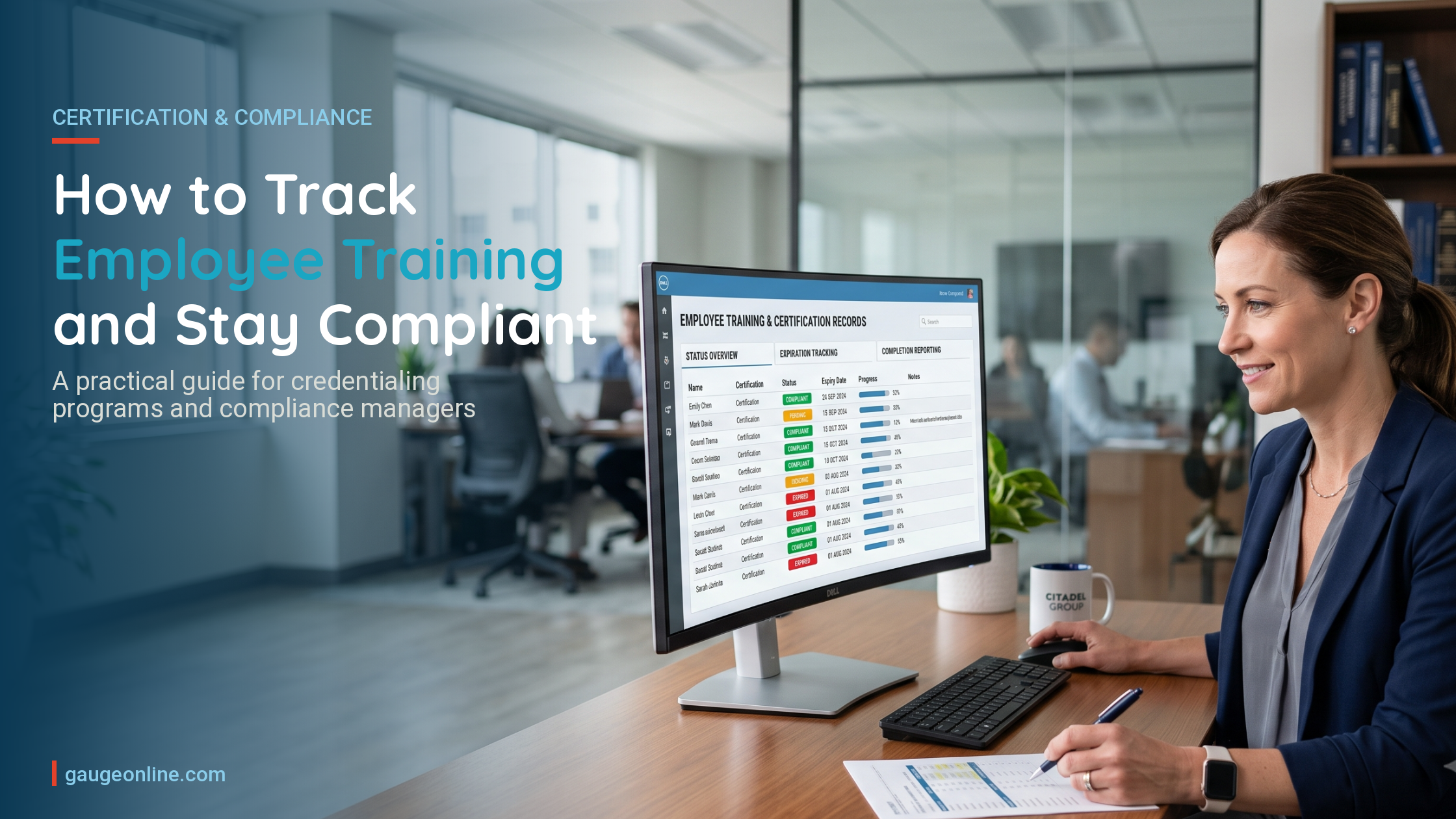
Tracking employee training means maintaining a current, accessible record of who completed what, when, under which requirement, and whether their credential or certification is still valid. For organizations managing professional certification programs — where compliance is audited, not assumed — that definition matters a great deal. A completion report tells you who finished a course. A compliance record tells you whether your program can defend itself when someone starts asking hard questions.
The difference between those two things is where most programs quietly fail.
Completion rates are a conversation starter in a compliance review — not a conclusion. The programs that pass audits clean aren’t the ones with the best training content. They’re the ones with the tightest documentation.
Why Tracking Employee Training Goes Wrong
Most organizations start tracking training the same way. Someone creates a spreadsheet. It works fine for the first 40 employees. Then the program grows, the renewal dates multiply, the regulatory requirements get layered, and the spreadsheet becomes something nobody trusts but everyone still uses because no one wants to rebuild it.
By the time that spreadsheet is managing certifications for 400 employees across three credential tiers with different renewal windows, you’re not tracking training anymore. You’re managing risk manually, one cell at a time.
The failure isn’t effort. The failure is architecture. Tracking systems built for completion logging were never designed to handle the four operational demands that regulated environments actually require:
- Expiry management with automated action — not just reminders, but workflow
- Role-based requirement mapping so training records reflect actual regulatory obligations by position
- CE credit verification for training completed outside your own system
- Audit-ready documentation that can be produced quickly and accurately under scrutiny
Generic training trackers handle the first item poorly and ignore the other three entirely. If your program has any regulatory exposure — healthcare, utilities, aviation, financial services, professional credentialing — that gap is a liability, not just an inconvenience.
How to Track Employee Training at the Program Level
Building a tracking system that holds up under compliance scrutiny requires thinking beyond completion. Here’s what that looks like in practice.
Map Requirements to Roles, Not Just Employees
The first mistake most programs make is treating training as a universal obligation. Assign everyone the same module, track who checked the box, call it done. That approach fails the moment a serious auditor asks whether a billing coordinator received training appropriate to her specific access to protected health information — as opposed to the same general HIPAA module assigned to the clinical floor. Before you build your tracking system, map your regulatory requirements to specific roles. Which credential requires which training? Which role requires which frequency of renewal? Where does a change in job function trigger a change in training obligation? That mapping is the foundation. Without it, your completion data is accurate but your compliance posture is not.
Separate Completion Records from Compliance Records
A completion record says: this person finished this course on this date. A compliance record says: this person met this specific regulatory requirement for this role during this certification cycle, with this documentation attached. For most internal training programs, completion records are enough. For any program that answers to an external standard — NCCA, ICE, a state licensing board, an industry accreditation body — compliance records are what you actually need. The distinction matters most when you’re under review and someone asks you to produce documentation for a specific employee, a specific requirement, and a specific date range. A completion report can answer that question eventually. A compliance record answers it immediately.
Build Expiry Management with Workflow, Not Just Reminders
Automated reminders before credentials expire are table stakes. Every system sends reminders. What separates a functional compliance program from a fragile one is what happens after the deadline passes. When a certification lapses, a series of things need to happen: the credential status updates automatically, the credential holder’s employer may need notification, a reinstatement workflow needs to be available, and the system needs to log the lapse period accurately for audit purposes. If your current system requires manual intervention at any of those steps, you’re one busy week away from a compliance gap. See NCCA accreditation standards for certification programs.
Create a CE Credit Verification Workflow
Tracking training that happens inside your own system is the easy part. The harder problem — and the one that causes the most operational pain — is verifying continuing education credits earned outside your system. A credential holder attends a conference. She earns six CE credits from a third-party provider. She submits documentation to your program. Someone has to review it, verify it meets your approved criteria, log it to her record, and confirm it counts toward her current renewal cycle. If that process lives in email and spreadsheets, it works fine at low volume. At 2,000 active certificants, it becomes a backlog that threatens renewal timelines for people who did everything right. Your tracking system needs a defined CE submission and approval workflow — not just a field where people can upload PDFs and hope someone sees them.
Structure Records for Audit Production
When an auditor from an accreditation body asks you to demonstrate compliance for your program, they’re not asking to see a dashboard. They want to see records — specific, employee-level, requirement-mapped, timestamped records that they can evaluate against your published standards. That means every training record in your system should carry: the employee name and role at time of training, the specific regulatory requirement the training satisfies, the date of completion and the date of expiry, the provider (especially for third-party CE), and the credential cycle it applies to. If you can’t produce that data for a randomly selected credential holder in under five minutes, your system isn’t audit-ready regardless of how good your completion rates look.
See how Gauge handles certification tracking and credentialing.
Training Tracker vs. Compliance Record System: What’s the Difference?
| Capability | Generic Training Tracker | Compliance-Grade System |
|---|---|---|
| Completion logging | Yes | Yes |
| Renewal reminders | Sometimes | Yes, with automated workflow |
| Role-based requirement mapping | Rarely | Yes |
| CE credit submission and approval | No | Yes |
| Audit-ready record export | No | Yes |
| Credential status automation on expiry | No | Yes |
| Certificant self-service portal | No | Yes |
What Good Employee Training Tracking Looks Like in Practice
Consider a trade association managing a professional certification program with 3,500 active credential holders across two credential tiers. CE requirements differ between tiers. Some CE credits can come from approved third-party providers; others must come from the association’s own courses. Credentials expire on a rolling basis, not all at once.
In a spreadsheet-based system, this is a continuous fire. Staff spend significant time each month chasing down submissions, manually updating records, sending individual renewal notices, and trying to reconcile third-party CE documentation against their approved provider list.
In a purpose-built credentialing system, the workflow looks different. Certificants log into a self-service portal, submit CE documentation directly, and can see their renewal status in real time. The system flags submissions that don’t meet requirements before they’re approved. When a credential expires, status changes automatically and the certificant’s employer can verify current status through a public credential lookup. The staff role shifts from data entry to exception management.
That’s not an aspirational description. It’s how the operational difference plays out when the infrastructure is built for credentialing rather than adapted from something else.
See how Gauge handles online testing and certification program management.
Tracking Employee Training for Compliance — Frequently Asked Questions
What records do I actually need to keep for a compliance audit?
At minimum, you need employee name and role at time of training, the specific requirement the training satisfies, completion date, expiry date, the training provider, and documentation for any credits earned outside your system. The exact requirements vary by accreditation body and regulatory framework, but those fields appear consistently. If your current system doesn’t capture all of them at the record level, fill those gaps before your next audit cycle. See SHRM’s guidance on employment recordkeeping compliance.
How do I track continuing education credits from outside providers?
You need a defined submission and review workflow — not just a way to accept uploads. Certificants should be able to submit documentation, your staff should be able to review it against your approved provider list and CE criteria, and approved credits should post directly to the certificant’s record with a timestamp. If that process involves email threads or manual spreadsheet updates, it will break down as your program scales.
Can I use Excel or Google Sheets to track employee training compliance?
For small programs — under 100 active certificants with simple, uniform requirements — a well-structured spreadsheet can work. Past that threshold, the model breaks under its own weight. Version control becomes a problem. Renewal date logic becomes error-prone. CE verification has nowhere to live. Audit exports require hours of manual preparation. Most programs that migrate off spreadsheets do it after one painful near-miss, not before.
How far in advance should I send renewal reminders?
Most programs send reminders at 90, 60, and 30 days before expiry. The 90-day notice matters most — it gives credential holders enough time to complete CE requirements, submit documentation, and get approvals processed before the deadline. Reminder cadence alone won’t protect you, though. What happens after the deadline passes — how the system handles lapsed credentials, notifications to employers, and reinstatement workflows — is where programs diverge most in terms of compliance risk.
What’s the difference between an LMS and a certification management system?
An LMS is built to deliver and track learning content for an internal audience. A certification management system is built to manage the credentialing lifecycle for an external population — including applications, examinations, CE tracking, credential renewal, and public verification. Many organizations try to run certification programs on an LMS and discover the fit issues only when the program grows or an audit arrives. The two categories solve adjacent but different problems.
If you’re managing a professional certification program and your current setup — whether that’s a spreadsheet, a general LMS, or a platform adapted from something else — isn’t giving you clean audit-ready records and automated compliance workflows, Gauge was built for exactly this. It handles the full credentialing lifecycle: exam delivery, CE tracking, credential renewal, and the documentation infrastructure that holds up when it matters most.
See It In Action
Ready to see how Gauge handles employee training tracking for organizations like yours?
No commitment, no pressure. Just a clear look at whether Gauge is the right fit.