
AI Proctoring Software: What It Can Detect, Where It Fails, and How to Use It Responsibly
What AI proctoring software actually does
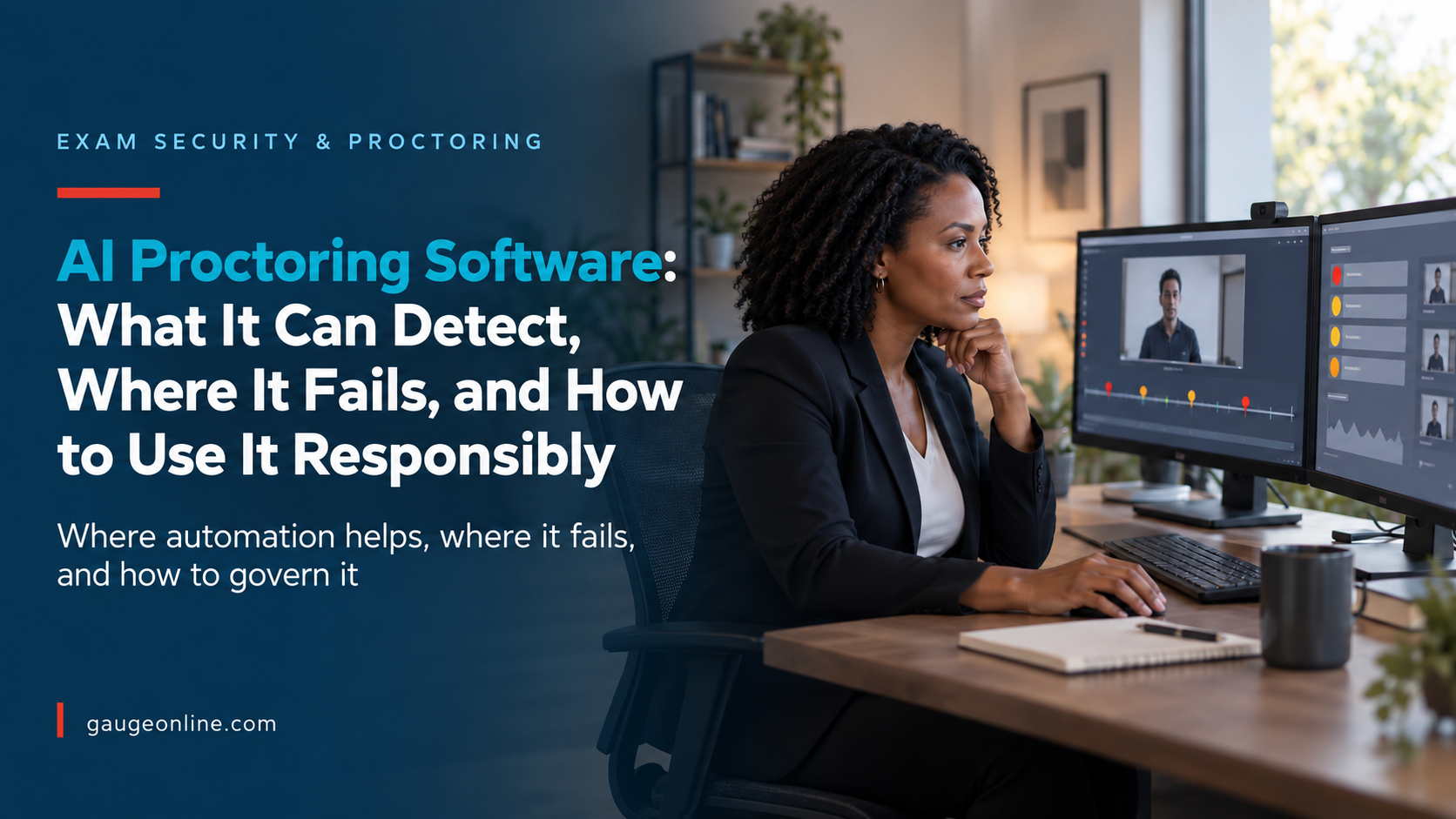
AI proctoring software uses automated analysis to monitor remote exams and flag activity that may require human review. It can help your team focus on higher-risk moments, but it should not decide whether a candidate cheated. For professional certification programs, that distinction matters because a false accusation can damage candidate trust while an overlooked incident can weaken the credential.
Most systems combine several types of evidence. They may verify identity, restrict browser activity, record video and audio, detect additional faces, or mark unusual movement. The software then creates alerts, timestamps, or a risk score for a reviewer. An alert signals that something happened. It does not explain why it happened.
Detection is not a misconduct decision
A candidate may look away to think, speak because of an approved accommodation, or lose video because of an unstable connection. A second face may belong to a caregiver who briefly enters the room. AI cannot reliably interpret every context surrounding those events.
That principle turns AI proctoring from an automated enforcement tool into a review aid. It also gives you a clearer answer when leadership, an accreditor, or a candidate asks how your program reached a decision.
How AI proctoring software works during an exam
The candidate experience usually begins before the first question appears. The system checks equipment, confirms identity, explains monitoring, and asks the candidate to secure the testing environment. During the exam, it collects signals based on the rules your program selected.
Identity and environment checks
Identity checks may compare a live image with an identification document or a stored candidate record. Environment checks can include a room scan, desk scan, microphone test, or camera-position check. These steps reduce impersonation risk, but they also create privacy, accessibility, and data-retention questions that your policy must answer.
Behavioral and technical signals
During testing, automated monitoring may flag multiple faces, a missing face, prohibited applications, unusual audio, copy-and-paste attempts, or a loss of full-screen mode. Some systems also analyze gaze or head position. Treat those behavioral indicators carefully. They can identify moments worth reviewing, but they rarely prove intent by themselves.
NIST research has documented demographic variation in face-recognition performance. Your due diligence should therefore examine the exact identity and face-detection models used in your selected configuration, not broad claims about artificial intelligence.
Face Recognition Vendor Test report on demographic effects
Flag review and disposition
After the exam, a reviewer evaluates the recording, the event log, the exam rules, and any approved accommodations. The reviewer should record a disposition for each material alert. Examples include cleared, technical issue, policy warning, escalated review, or invalidated attempt. This step creates the audit trail that the algorithm alone cannot provide.
See how integrated online proctoring can support a certification exam workflow.
Gauge guide to remote proctoring software
AI proctoring software compared with other models
No single proctoring model fits every exam. A low-stakes continuing education assessment has different consequences than a license, safety credential, or promotion exam. Choose the model based on exam risk, candidate volume, review capacity, and the consequences of a wrong decision.
| Model | Best fit | Human involvement | Main tradeoff |
|---|---|---|---|
| AI-assisted monitoring | Higher-volume programs with consistent rules | May be limited unless review is required | Scales well, but false or ambiguous flags require governance |
| Record and review | Moderate to high stakes with flexible scheduling | Reviewer examines selected or all sessions | More defensible, but review time must be planned |
| Live remote proctoring | High-stakes exams that need intervention | Proctor observes and responds in real time | Stronger immediate control, but higher cost and scheduling needs |
| Hybrid model | Programs with multiple exam tiers or risk levels | Human review increases with risk | Balances cost and control, but requires clear routing rules |
A construction association might use AI-assisted monitoring for a knowledge check, then require live proctoring for a journeyman credential. A healthcare certification program may record every session and send only material alerts to trained reviewers. A government agency may add stricter identity checks while maintaining an equivalent accessible testing path.
The risks your proctoring policy must address
The hardest AI proctoring problems are operational, not technical. Your policy determines whether an alert becomes evidence, how long recordings remain available, who can review them, and what candidates can do when they disagree.
False flags and inconsistent review
If reviewers interpret the same behavior differently, automation will not create consistency. Define what each flag means, what evidence a reviewer must examine, and which outcomes require a second review. Calibrate reviewers with sample sessions before launch and repeat that exercise as rules change.
Privacy and data handling
Document what the system captures, where vendors process it, how long they retain it, and which subprocessors can access it. Separate necessary exam evidence from optional analytics. Your candidate notice should explain the process in plain language before exam day, not hide it inside a long terms-of-service page.
Accessibility and accommodations
Some disability-related behaviors can resemble suspicious activity to an automated system. Others may make a room scan, facial positioning, or timed setup difficult. Build the accommodation workflow before launch. Make sure approved accommodations pass into the reviewer view and do not depend on a candidate explaining the same need during every attempt.
Appeals and defensibility
A defensible appeal process identifies who reviews the case, what evidence the candidate may submit, and when your program will respond. Keep the original evidence, reviewer notes, decision, and appeal result together. That record helps you improve rules and demonstrates that a risk score never became an automatic penalty.
How to evaluate AI proctoring software in six steps
A vendor demonstration can show a smooth candidate experience. It cannot show how the system behaves across your candidates, exam rules, devices, and support model. Use a controlled pilot and measure the whole workflow.
List the misconduct risks that matter for this exam. Include impersonation, unauthorized materials, outside assistance, content capture, and item sharing.
Require a reason for every camera, browser, identity, and room rule. Remove controls that add candidate burden without reducing a defined risk.
Include different devices, connection speeds, lighting, assistive technologies, and approved accommodations. Do not limit the pilot to staff with ideal equipment.
Track the total flag rate, the percentage cleared, confirmed policy violations, reviewer time, technical failures, support contacts, and appeals.
Confirm that your team can reconstruct what the software flagged, what the reviewer saw, which rule applied, and who approved the outcome.
Recheck thresholds, candidate complaints, reviewer agreement, accessibility issues, and vendor model changes at a defined cadence.
The NIST AI Risk Management Framework offers a useful structure for mapping, measuring, managing, and governing AI risks. It does not select a proctoring vendor for you. It does help your team ask better questions and document why a control remains appropriate. NIST AI Risk Management Framework
Build the workflow around your certification program
AI proctoring software cannot compensate for unclear exam rules or disconnected records. Decide how candidates receive requirements, complete equipment checks, request accommodations, start the exam, and receive results. Then define how staff review incidents and release or hold credentials.
This matters most when several systems divide the process. If the exam platform, proctoring portal, candidate database, and credential record use different identifiers, staff may struggle to connect a flagged session with the correct attempt. That creates manual work at exactly the moment your team needs certainty.
Review the testing controls that should align with your proctoring rules. During implementation, run a full rehearsal from registration through result release. Include a technical failure, an approved accommodation, a cleared alert, and an appealed decision.
A program processing 8,000 annual exams may gain more from reducing unnecessary review than from generating more alerts. If a threshold change cuts false flags while preserving confirmed incident detection, the program saves staff time and creates a better candidate experience.
The right success metric is not the number of candidates flagged. It is whether your program deters misconduct, treats candidates consistently, resolves exceptions efficiently, and can explain every material decision.
Frequently asked questions about AI proctoring software
It can identify signals that may relate to misconduct, but it cannot reliably determine intent in every situation. A trained reviewer should evaluate the alert, exam rules, recording, technical data, and approved accommodations before your program acts.
It can support an accessible program only when you test the candidate workflow, provide reasonable alternatives, and carry accommodation information into human review. Do not assume a standard camera, movement, audio, or room rule works for every candidate.
Ask what data the system collects, which models create flags, how thresholds work, whether models change without notice, and what evidence reviewers receive. Also ask about retention, subprocessors, accessibility testing, security controls, incident support, and exportable audit records.
Live proctoring offers real-time intervention and can fit high-stakes exams. AI-assisted and record-and-review models can offer more scheduling flexibility and lower review costs. Many programs use a hybrid approach based on exam risk.
Retain recordings only as long as your legal, contractual, accreditation, appeal, and exam-security needs require. Set a written period, apply it consistently, and confirm that vendor deletion practices match your policy.
If you manage certification at scale and need an AI-assisted proctoring approach you can defend, Gauge can help you align the technology with your exam stakes and review process. The goal is not more surveillance. It is a consistent process that protects credential value while treating candidates fairly.